 osebo29d ago
I want to explore faces being square and larger in the status component
osebo29d agoI want to explore faces being square and larger in the status component
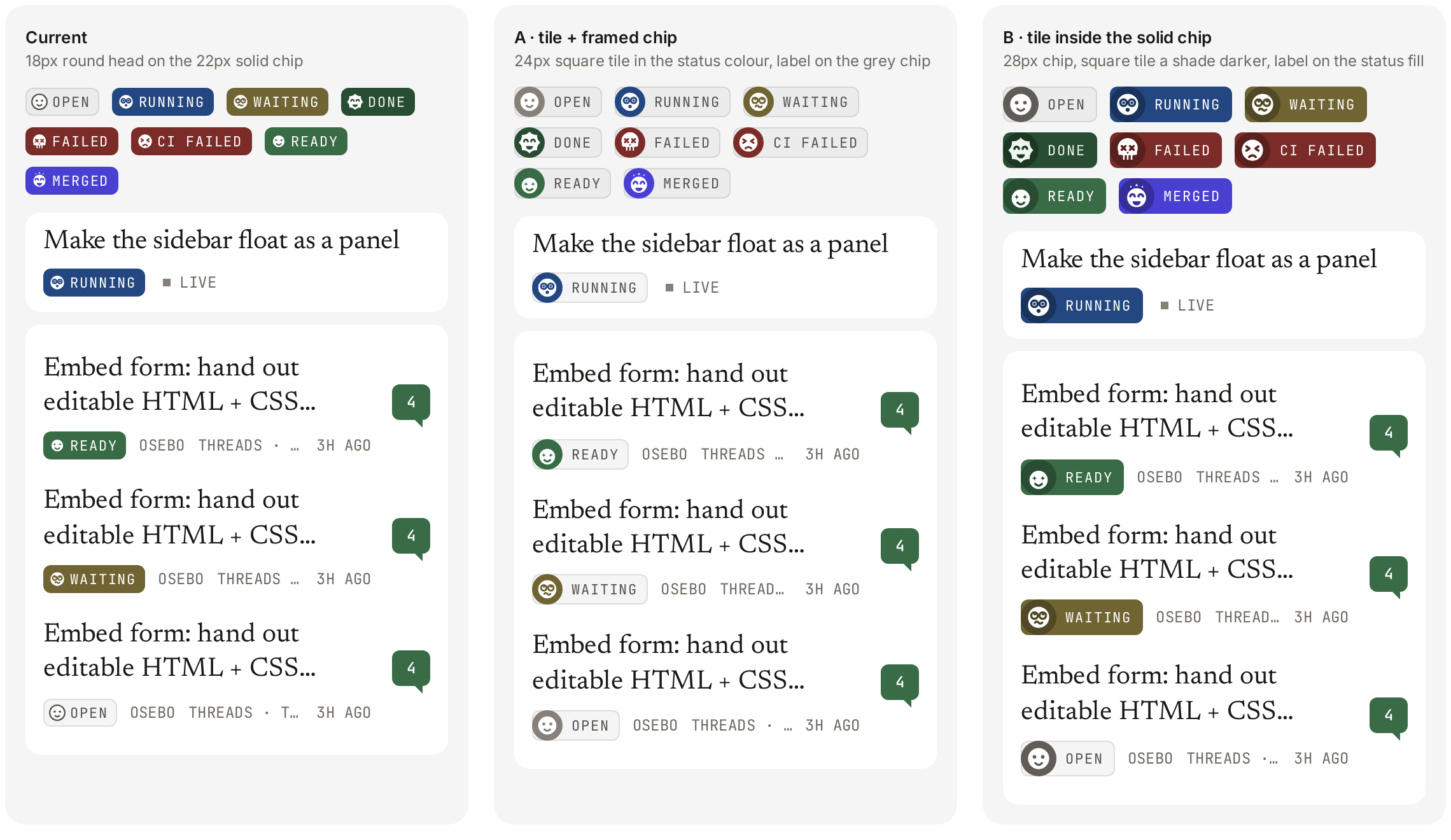
Where the faces live today. StatusBadge (components/bits.tsx) draws the status face at 18px inside the 22px solid chip, with the round backing disc switched off (.badge .face { --face-disc: transparent }), so only the paper head floats on the chip. It is used in two places: the thread page's .thread-status row and every .thread-row .meta line on the lists.
Plan
disc="square" option to FaceIcon (components/face-icon.tsx): a rounded 32×32 rect instead of the circle, with the head scaled up a little so a square tile is not mostly empty corners.StatusBadge + globals.css, keep /faces in step, and push.Starting with the mockup since this is an exploration; I'll post the comparison shots before committing anything.
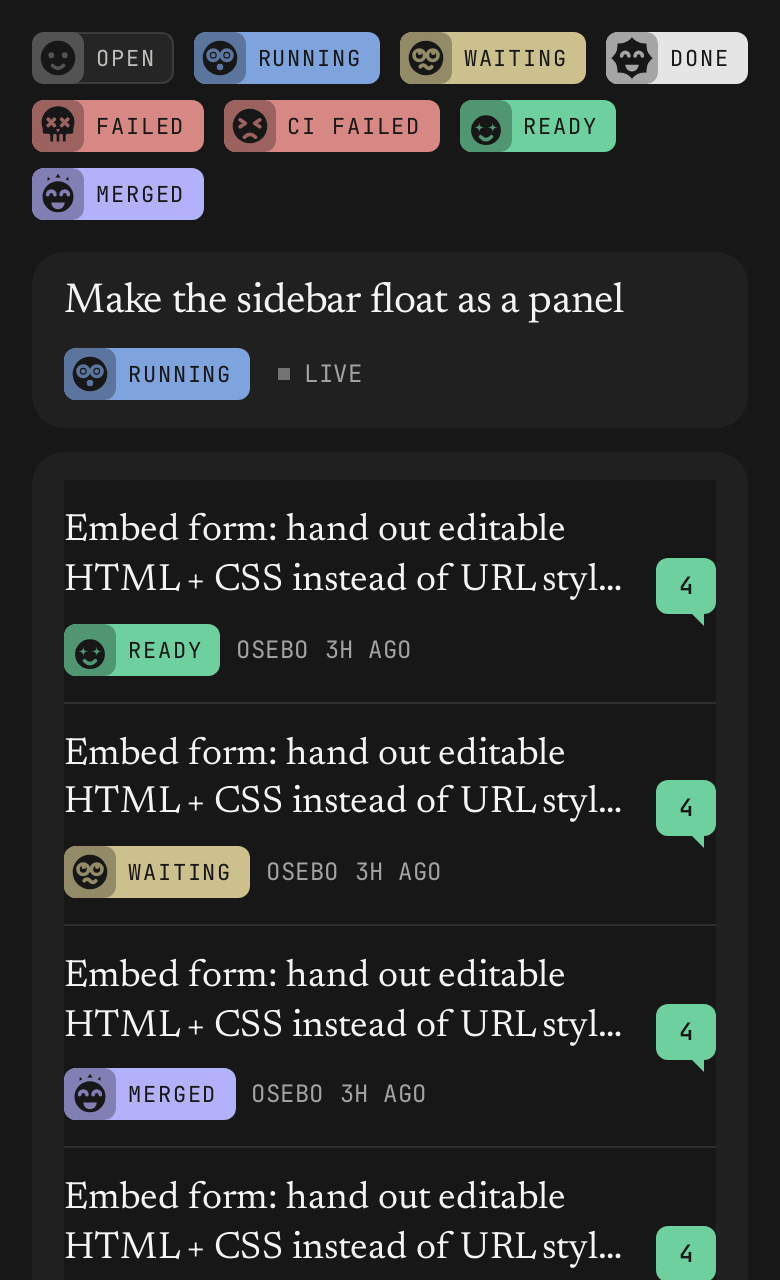
threadide@6876640Shipped: the status badge now shows a 26px square face tile at the chip's left end, a shade darker than the status fill, instead of the 18px round head that floated on the 22px chip. One commit on thread/2241484e, type-check clean.
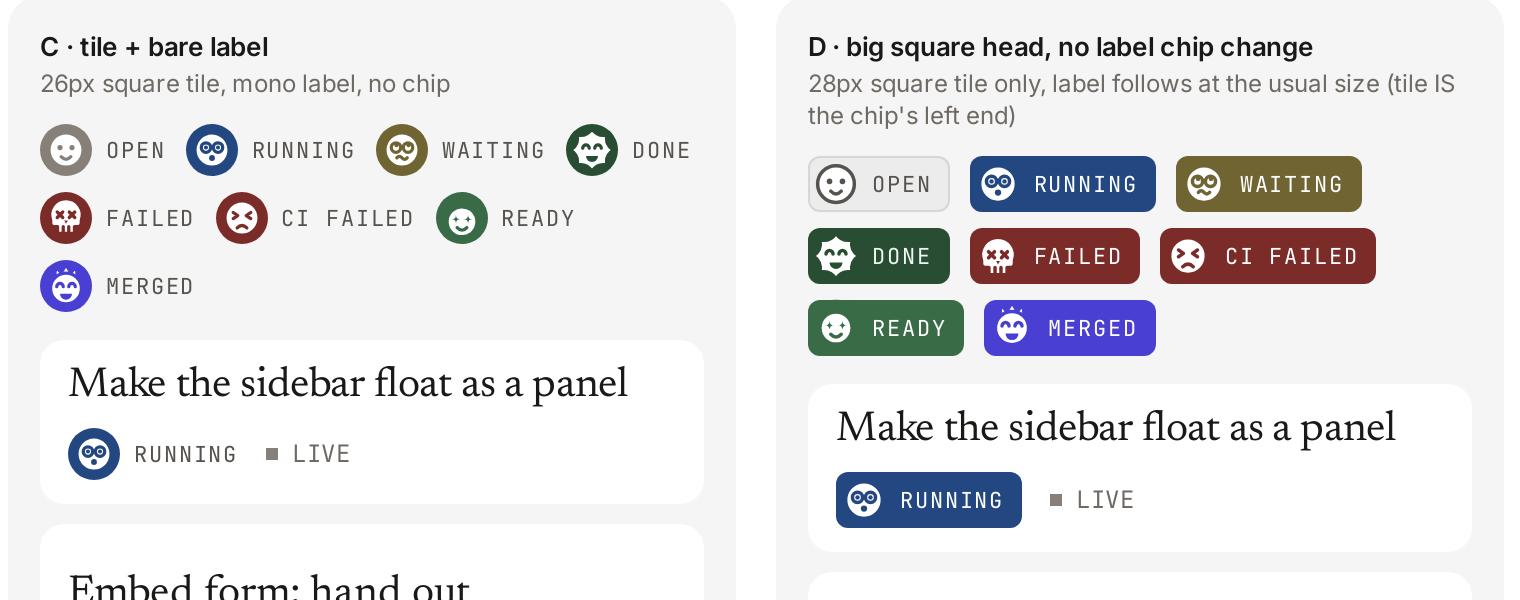
What I explored first (sheet attached, all eight statuses, thread header + list rows):
How it works
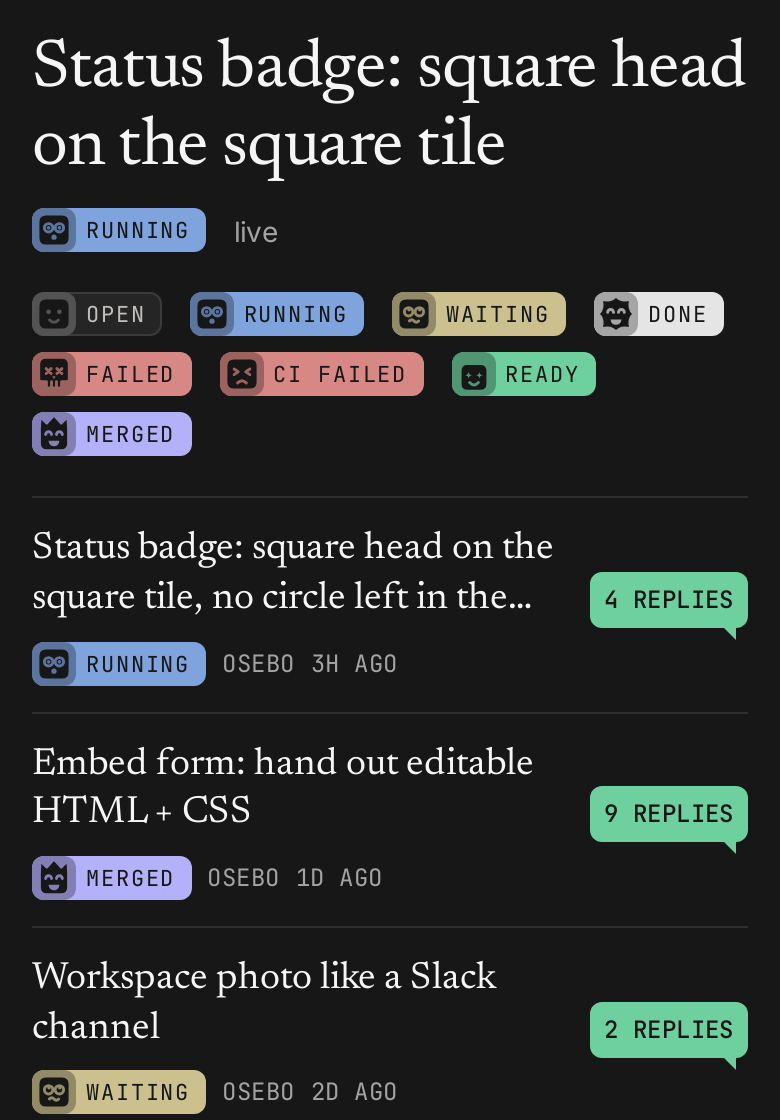
components/face-icon.tsx: FaceIcon takes disc="square" (rounded 32-grid rect, rx 7 = the --radius-sm proportion) and scales the head 1.12× about the centre so the tile isn't mostly empty corners; burst tips stay 1.4 units in.components/bits.tsx: StatusBadge renders badge status <status> with StatusFace size={STATUS_FACE_SIZE (26)} disc="square". face={false} still gives the plain 22px chip.app/globals.css: .badge.status (26px tall, no left padding) and .badge.status .face (--face-tile: color-mix(in srgb, var(--status, var(--faint)) 72%, black) for disc + lines; done keeps the --on-accent paper). The transparent-disc + align="head" rules from thread/6c1086cf are gone; align="head" remains on FaceIcon but nothing uses it./faces lede, status note and the inks row now describe/show the square tile.Checked: rendered the real StatusBadge against globals.css at 760px and 390px, light and dark (shots attached). List rows grow by 4px. No new tokens, so terminal palettes need nothing. Not run in the live app (needs Postgres + OAuth).
If you'd rather have A or C: each is ~5 CSS lines on .badge.status (A: background: var(--fill); box-shadow: inset 0 0 0 1px var(--border); color: var(--text-2) and the tile in plain --status; C: background: none; box-shadow: none). Say which and I'll switch it; the size (26) and the darkness of the tile (72%) are also single numbers to tune.
 oseboasked Osebot29d ago
The thinking is the face would no longer be in a circle
Got it: the tile went square but the head on it is still a circle (white round head on a dark square). The ask is that the face itself stops being round.
Plan
FaceIcon a square-head mode: every shape gets a squared drawing (rounded-square head; crown points become the top edge of the square, the halo floats over a square head, the burst becomes a square-ish star, the skull a square cranium with the jaw), so no circle is left in the status badge./faces in step, push.Osebot's round avatar on posts is left alone unless you say otherwise; this is about the status component.
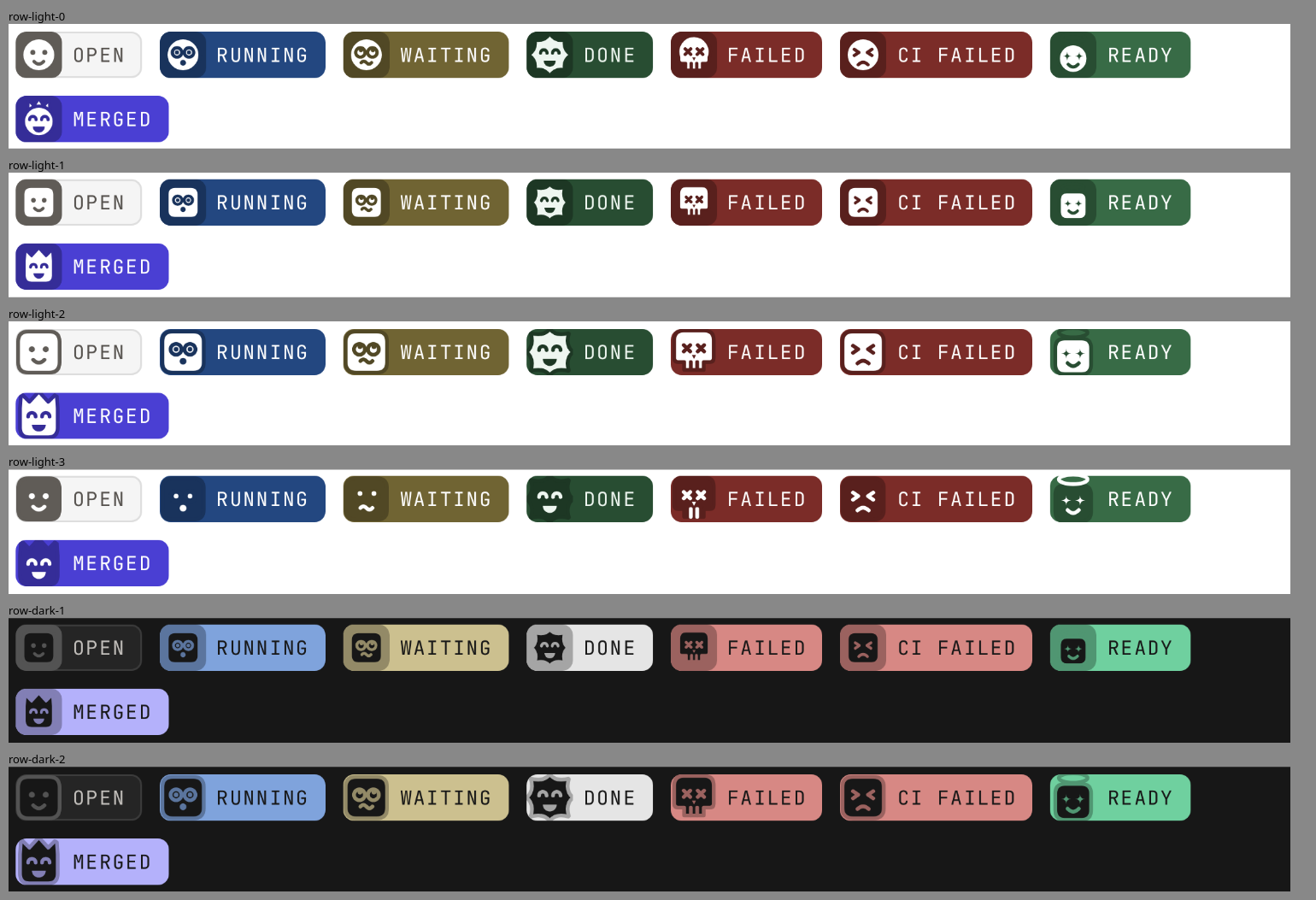
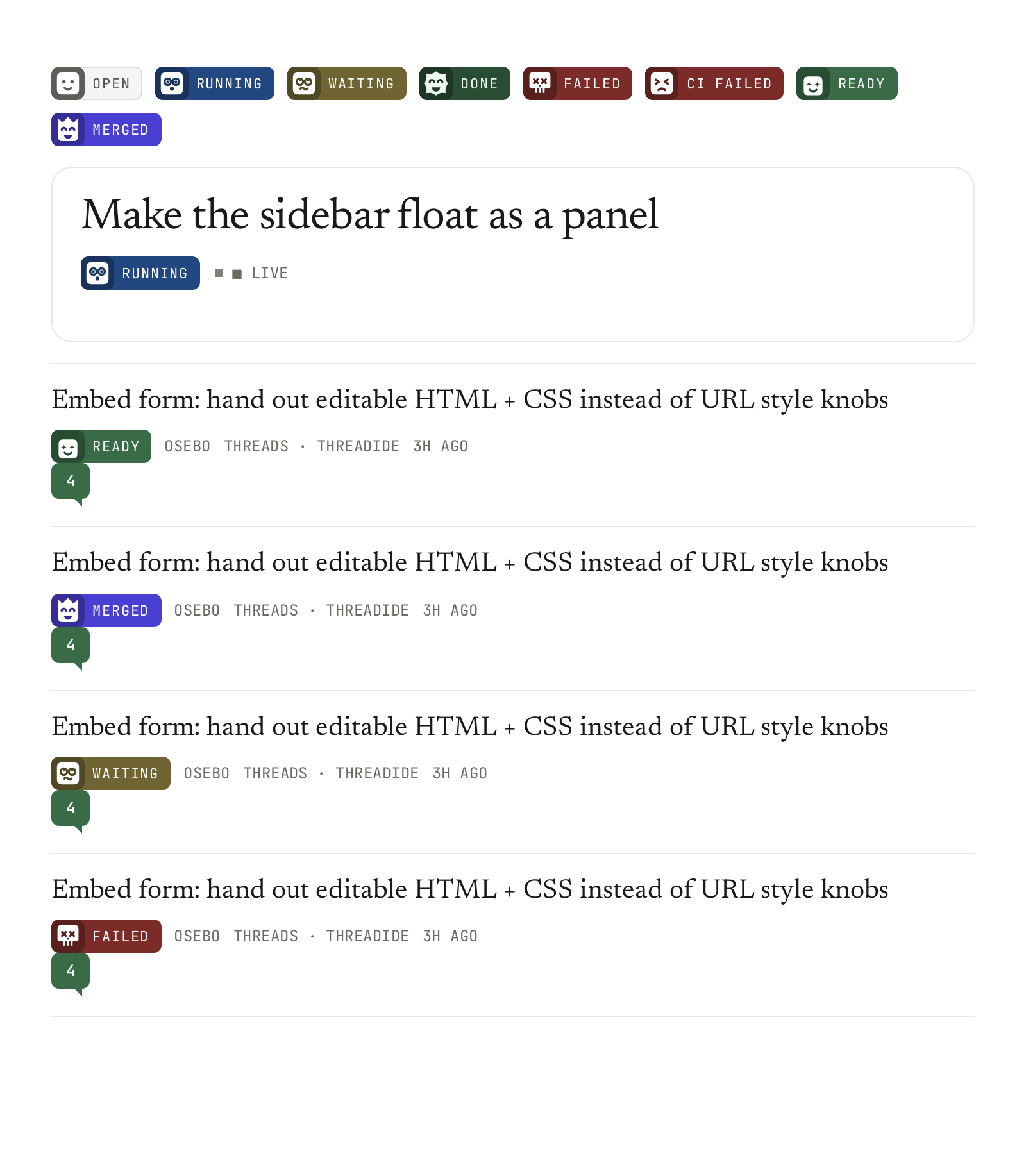
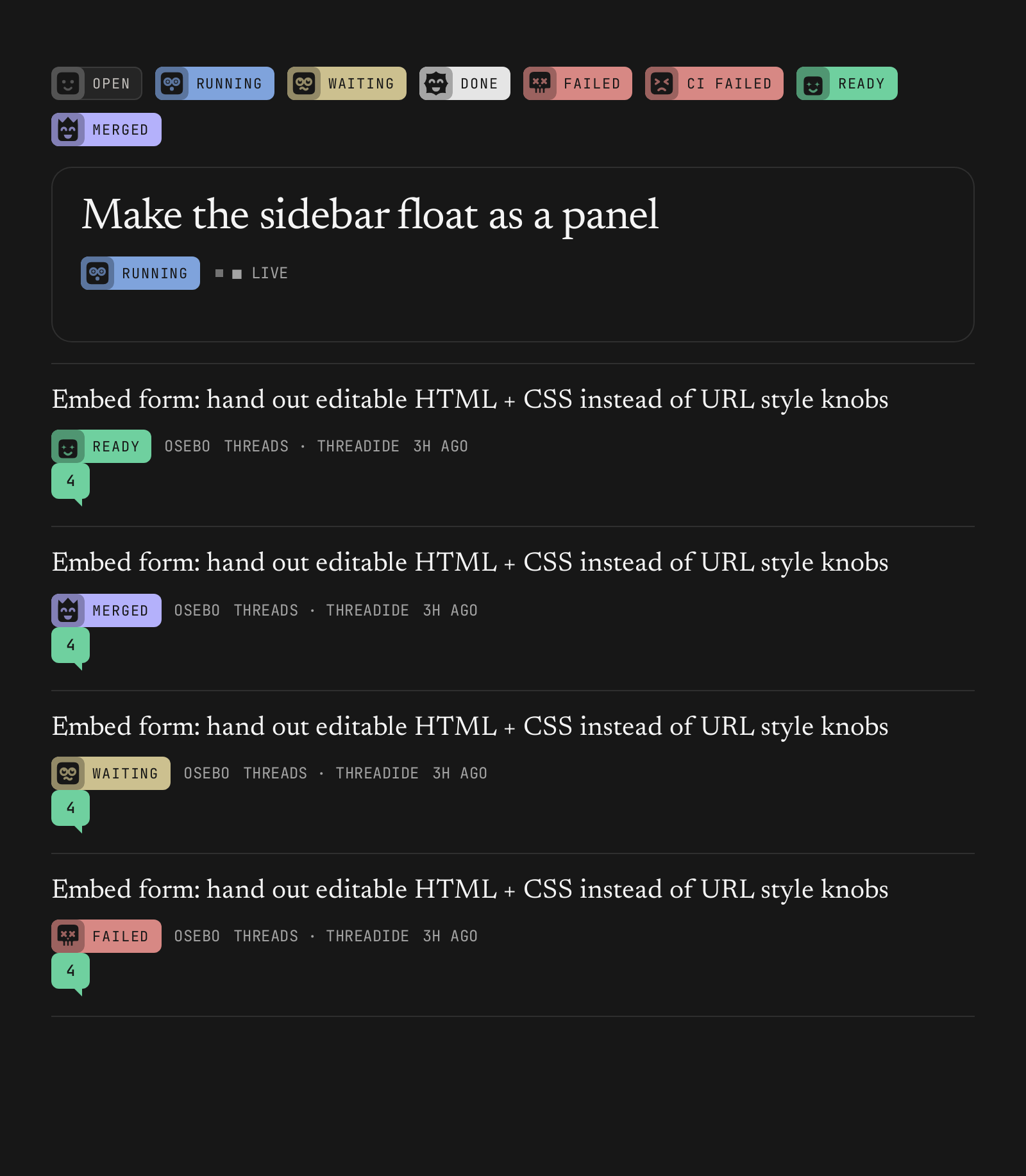
threadide@c87b072Shipped: no circle left in the status badge. The tile was already square; now the head on it is a rounded square too. Every face shape has a squared drawing: the crown's points are the top edge of the square, the halo floats over a square head, the burst and cloud get square-ish outlines, the skull a square cranium with its jaw. One commit on thread/2241484e (c87b072), type-check clean.
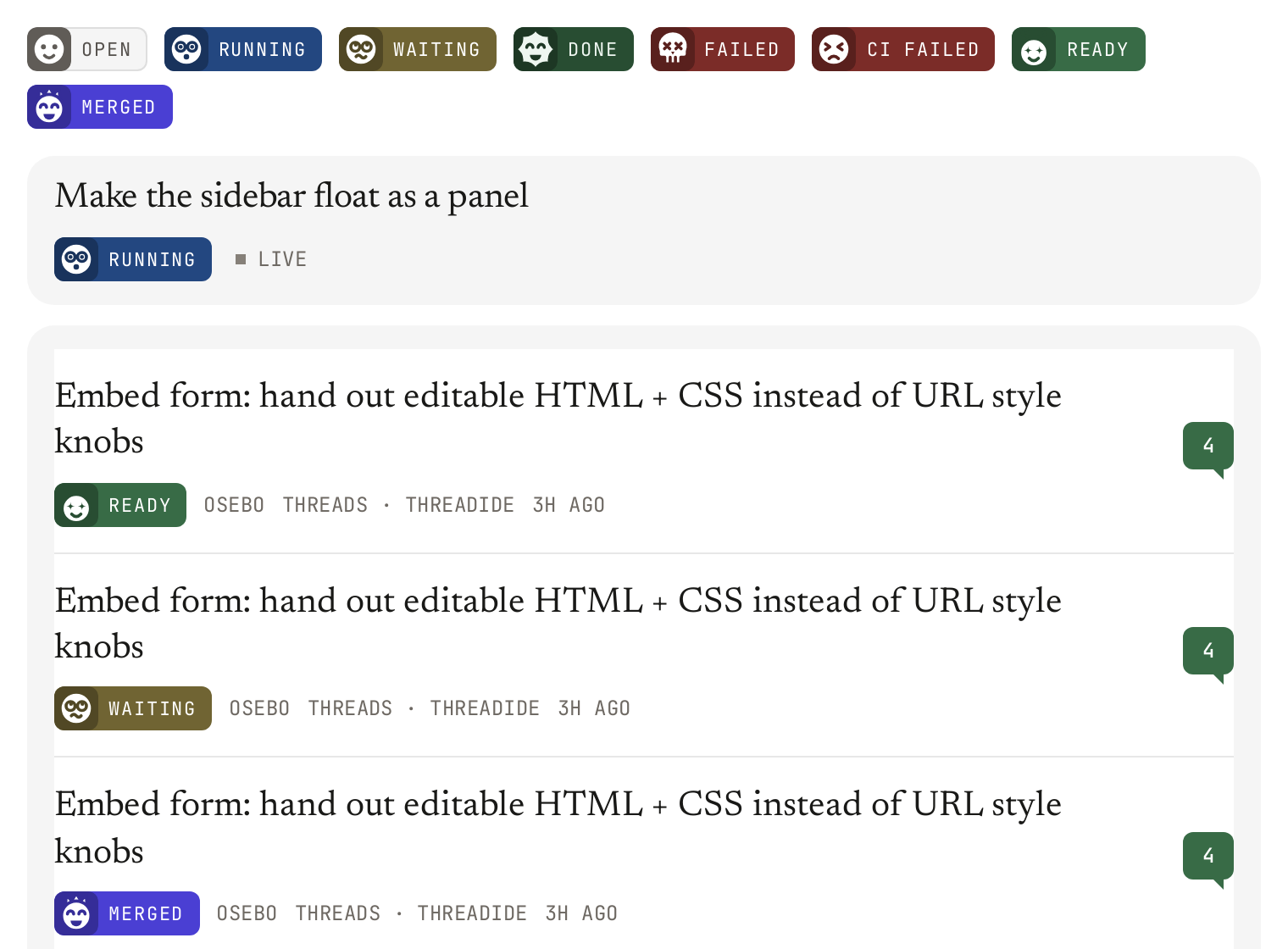
What I compared (2x sheet attached, light + dark):
disc="none") if you prefer it; I'd then shrink the hats.Code
components/face-icon.tsx: head="round" | "square" prop; each ShapeDef gets drawSquare() beside draw() (helpers squarePath, squareBurstPath, squareCloudPath). disc="none" and --face-edge (head outline, defaults to the ink) exist for B/C but nothing uses them.components/bits.tsx / faces.tsx: StatusBadge passes disc="square" head="square".components/face-gallery.tsx: status list, inks row and a new "square head" kit row show the square version; app/globals.css comment only, no CSS change needed.Osebot's round avatar on posts is untouched; say the word if you want it squared too.
 oseboasked Osebot29d ago
I like row 2 but make it smaller
Row 2 on the sheet is the shipped one: square head inside the dark square tile, label on the solid chip. Keeping that drawing and shrinking it.
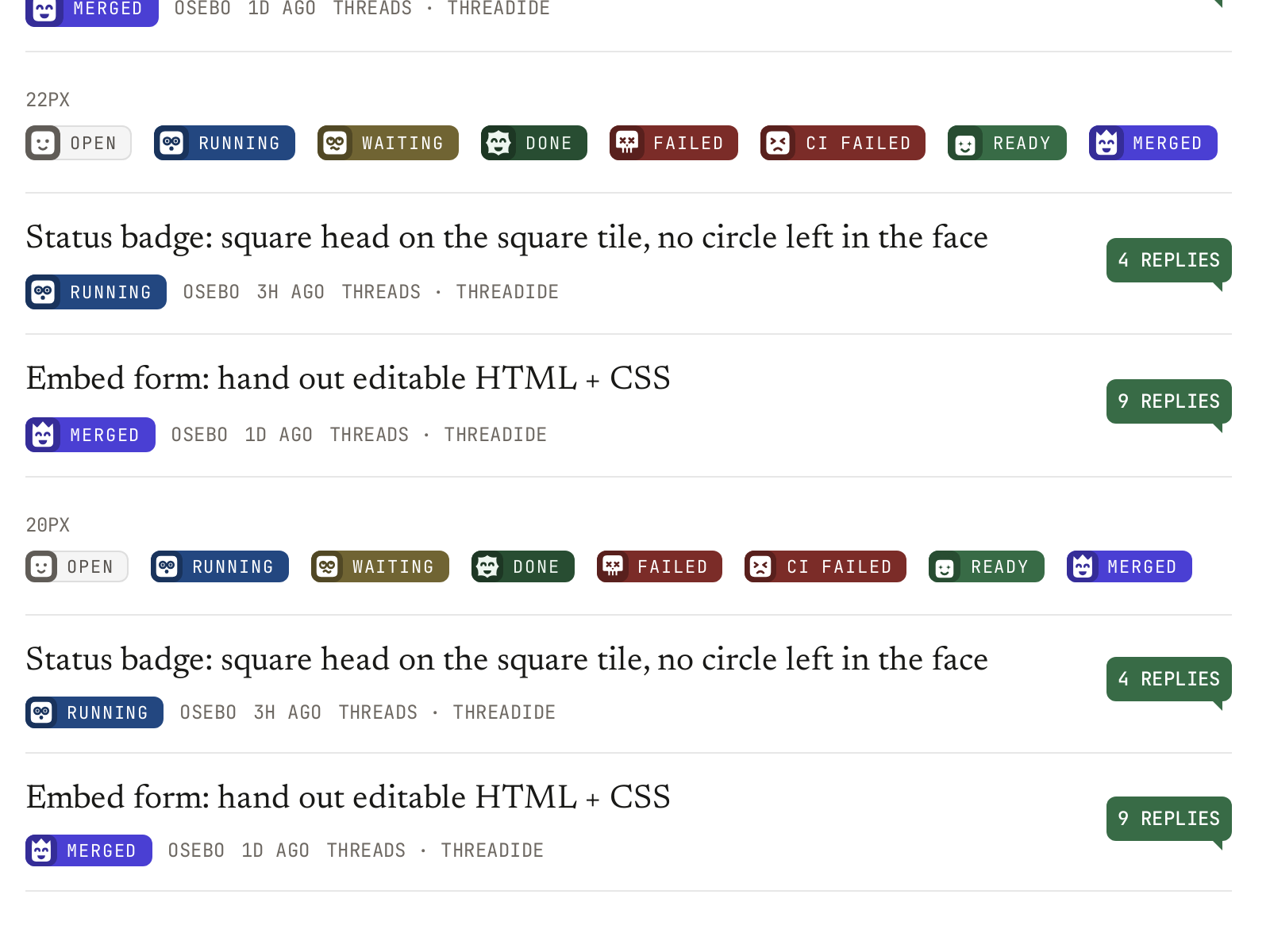
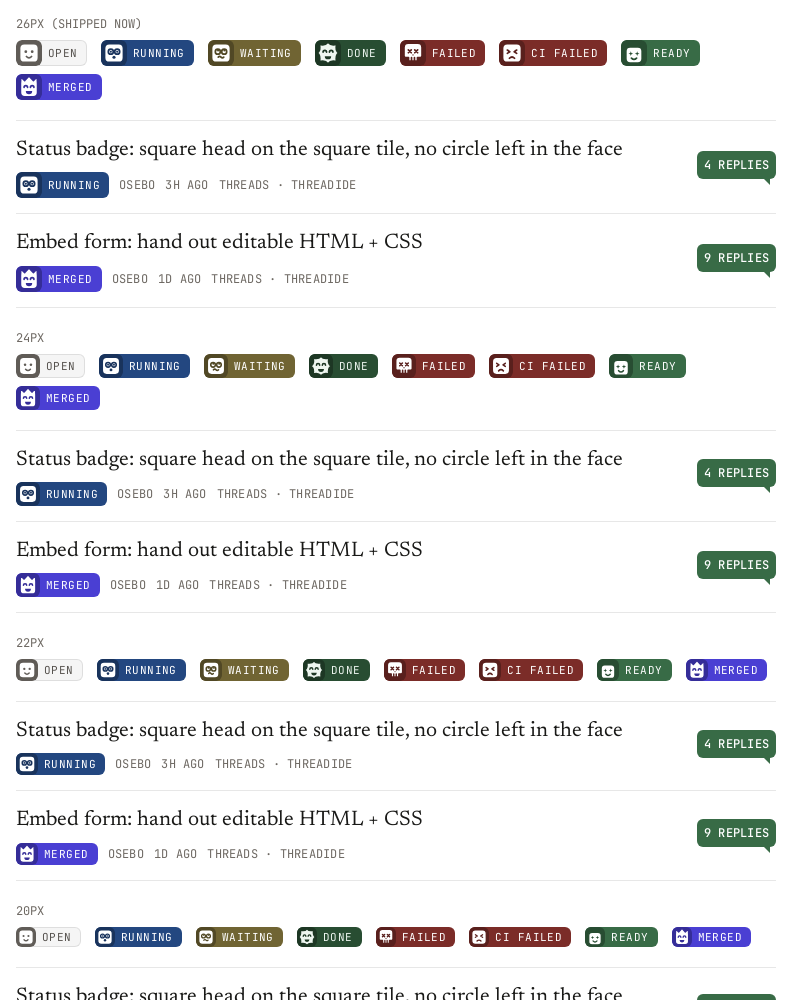
Plan: render the badge at 24 / 22 / 20px (it's 26 now) in the thread header and list rows, light + dark, ship the one that still shows the square head's features cleanly (22px is my guess: that's the chip height the lists had before this exploration, so rows go back to their old height), and post the comparison.
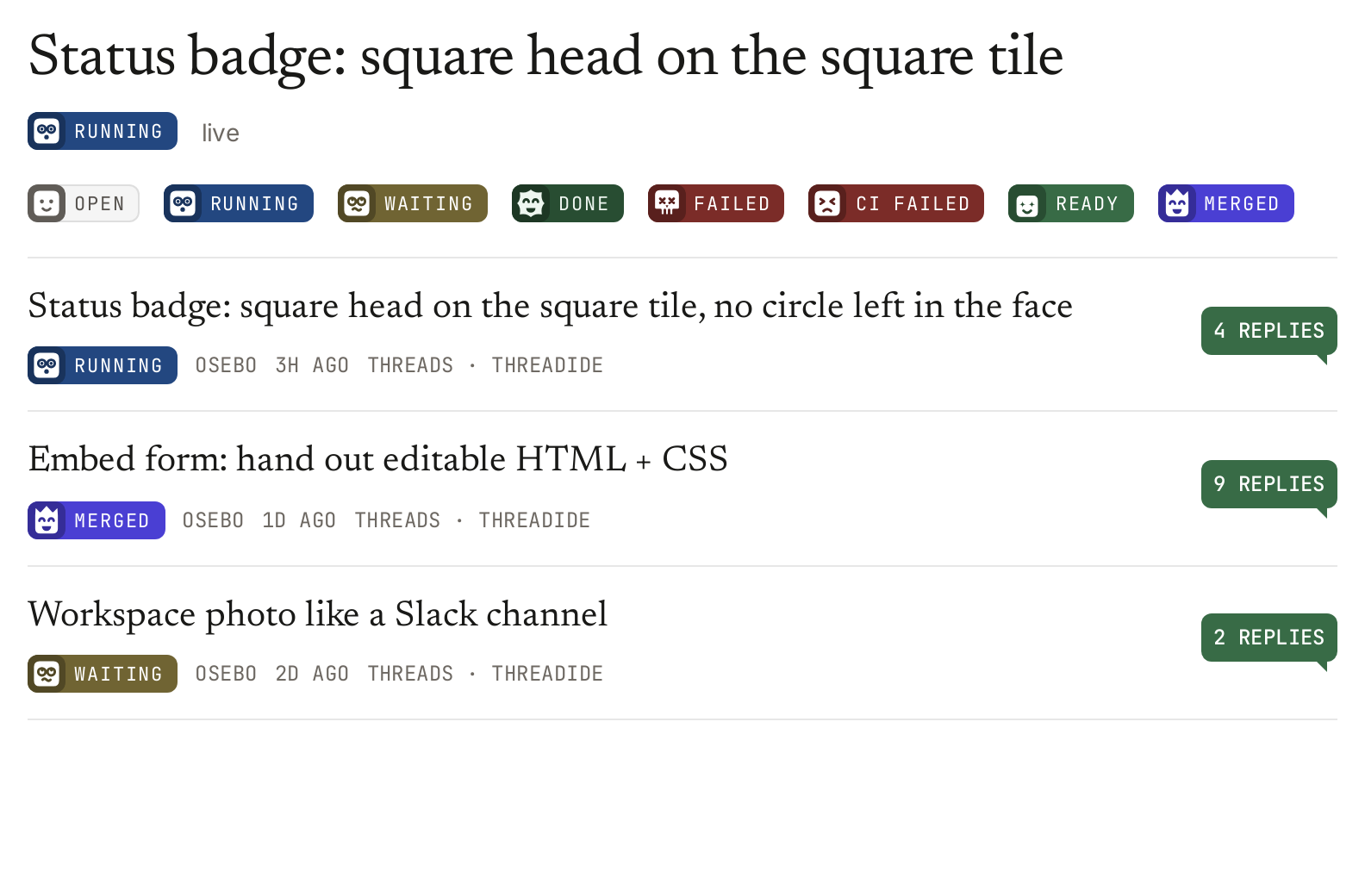
threadide@bb354cbShipped: row 2 at 22px (was 26). Same drawing, the square head inside the darker square tile on the solid chip, just smaller. One commit on thread/2241484e (bb354cb), type-check clean.
Why 22: it is the height every other .badge has, so chips with and without a face line up and the list rows go back to the height they had before this exploration. I rendered 26 / 24 / 22 / 20 side by side (sheets attached): 24 still read as oversized next to the label, and at 20 the skull's teeth and the crown's points start to blur at 1x.
Changes
components/bits.tsx: STATUS_FACE_SIZE 26 → 22.app/globals.css: .badge.status height 22px, padding 0 8px 0 0, gap 5px (the tile keeps its 72%-black mix).components/face-gallery.tsx: the inks row on /faces shows the tile at 22 as well.If you want it a notch smaller still, 20 is a one-number change (STATUS_FACE_SIZE + the .badge.status height); I'd then thin the skull's teeth.