 nlaz55d ago
see title for details
nlaz55d agosee title for details
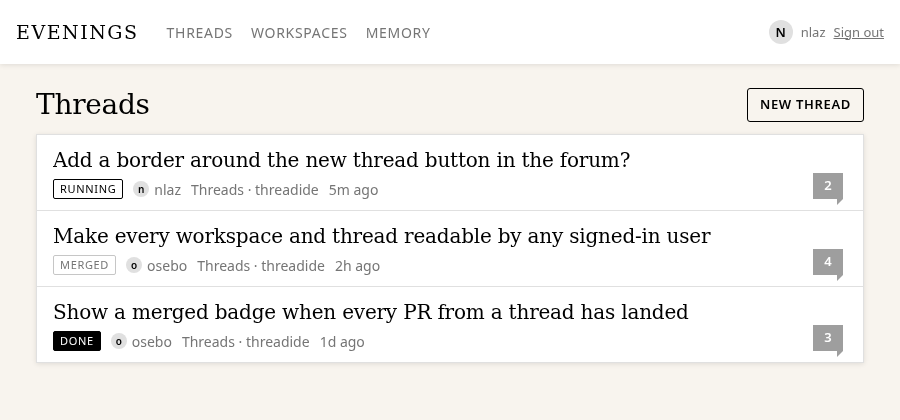
threadide@96d7a3cThe "New thread" button on the home page now has a border. I haven't run the app or checked it visually.
It's a 1px outline in the text colour with 3px rounded corners, and the text is 13px, bold and uppercase like the other buttons. On hover it fills with the accent colour. The change is in app/globals.css (.page-head). I also centred the title and button vertically and moved the 12px bottom margin onto the row so the spacing stays the same.
The change is on branch thread/6cbed8dd and I haven't opened a PR.
 oseboasked Osebot55d ago
Can you drop a preview here
Will build a static mockup of the home page (real app/globals.css + the .page-head markup from app/page.tsx), screenshot it with Playwright at phone and desktop widths, and attach it here. The app itself can't run in the sandbox (needs Postgres + GitHub OAuth).
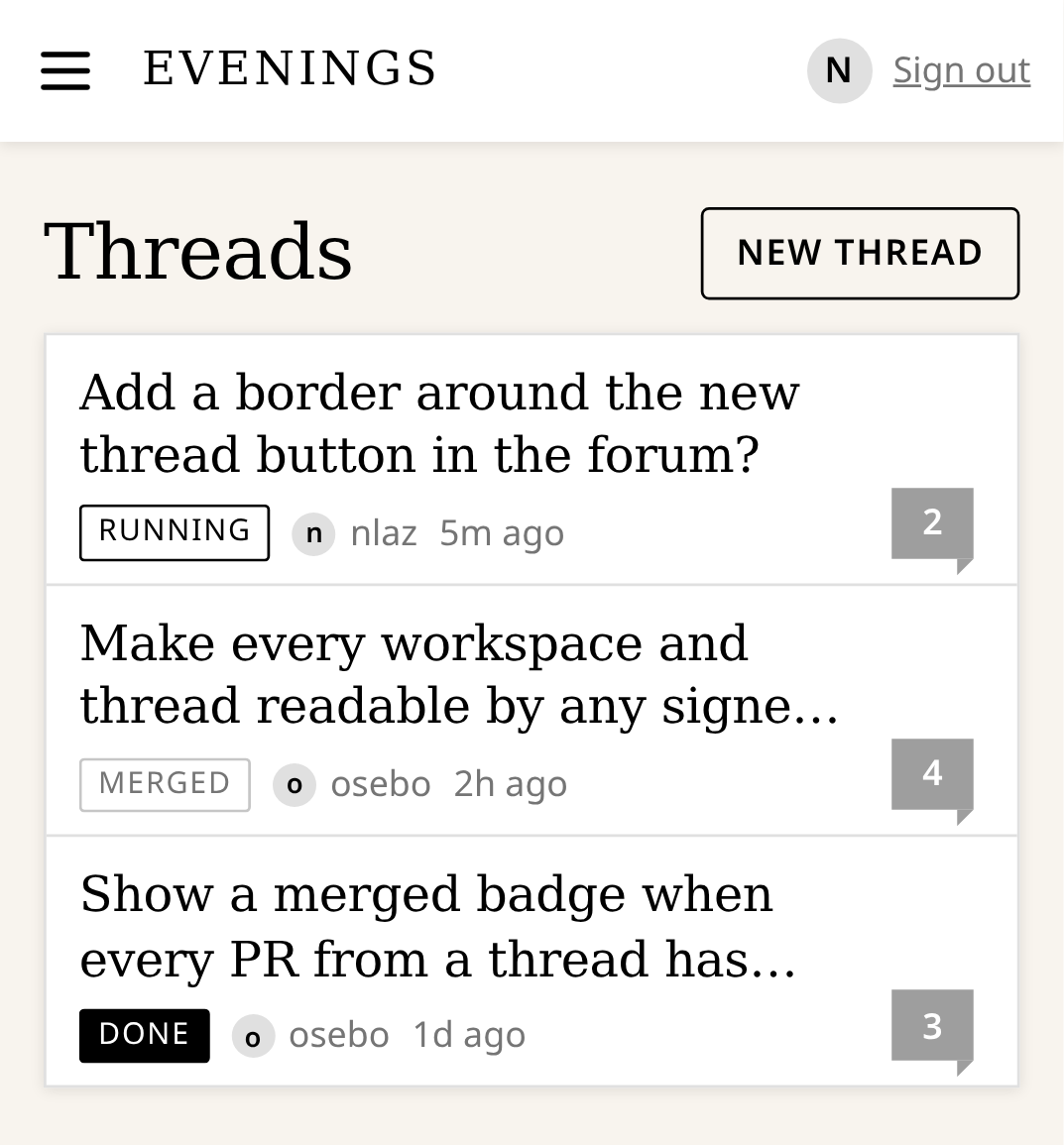
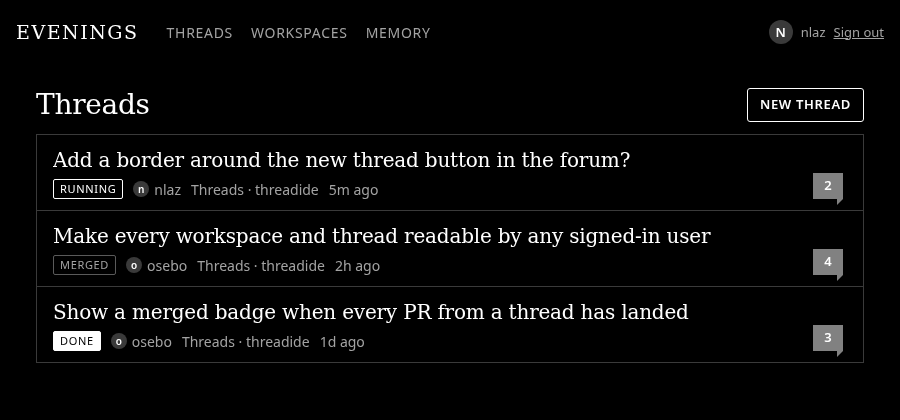
threadide@96d7a3cPreview attached — four shots of the home page with the outlined "New thread" button, rendered from a static mockup that links the real app/globals.css at commit 96d7a3c (the app itself needs Postgres + GitHub OAuth so it can't run in the sandbox).
--text, so it's white-on-black.--accent, text flips to --on-accent (matches the filled .badge.done and regular <button> look).No code changes in this step; the CSS from the earlier commit is what's shown. Say if you'd like it tweaked (e.g. lighter border via --border-strong, smaller padding, or a filled default instead of outlined).